Physical Address
304 North Cardinal St.
Dorchester Center, MA 02124
Physical Address
304 North Cardinal St.
Dorchester Center, MA 02124

Why Smartphones Freeze and How to Prevent It
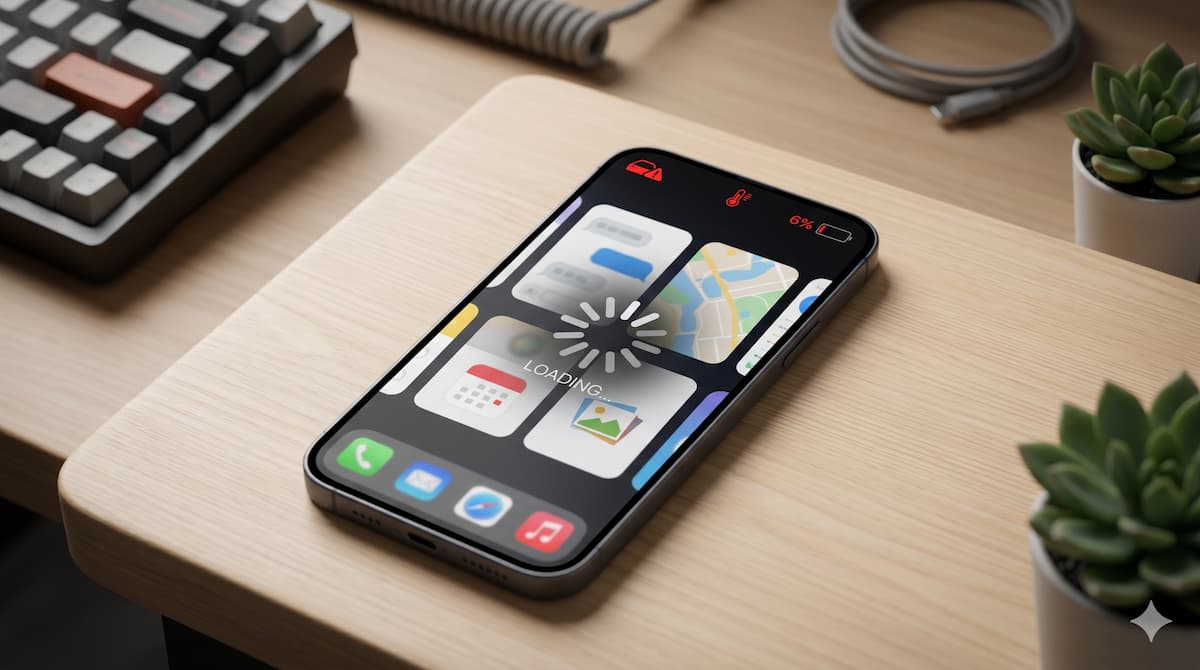
Smartphones have become an important part of daily life. People use them for communication, entertainment, work, online classes, gaming, and much more. However, many users experience a common issue where their phone suddenly becomes slow or completely unresponsive. This problem is known as smartphone freezing.
A frozen phone can interrupt important tasks and create frustration for users. In most cases, freezing happens because the device is overloaded, outdated, or not properly maintained. The good news is that this issue can often be prevented with simple habits and regular care.
What Does Smartphone Freezing Mean?
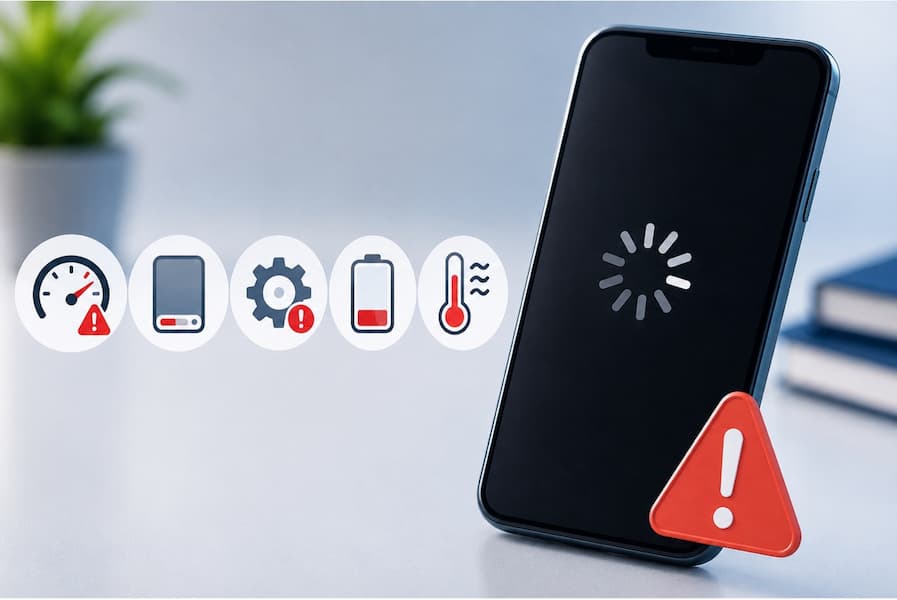
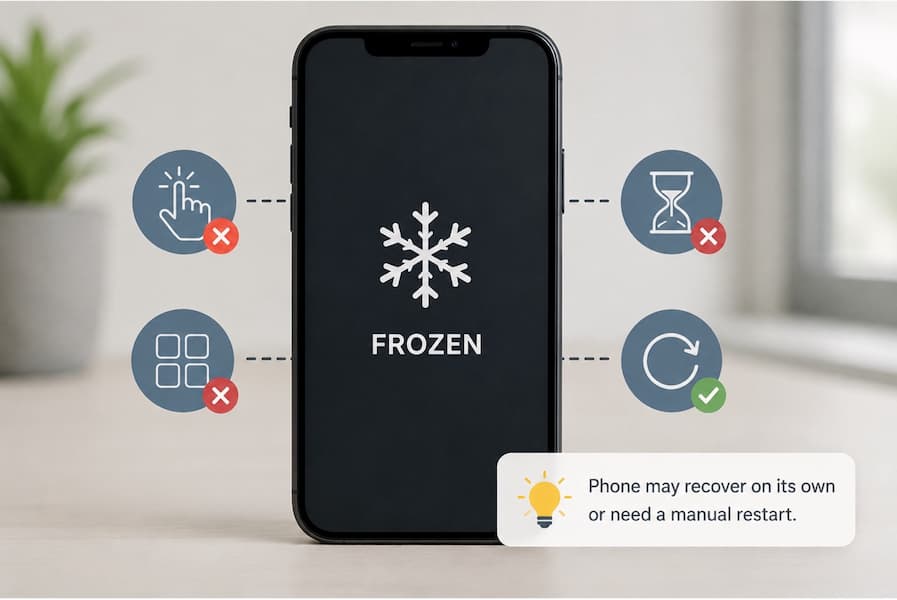
Smartphone freezing happens when a phone suddenly becomes slow or stops responding completely. Apps may crash, the screen may get stuck, or touch controls may stop working for a short time. In some cases, the phone starts working again on its own, while sometimes a manual restart is needed.
Read also: eSIM & SIM Card in Switzerland
The Fix Mission is currently run by me personally. With 5 years of experience in phone repair, buying, and selling, I offer free advice before you buy a used phone, sell your current device, or pay for a repair. My goal is simple: help you make a safer decision before spending money.
Get Free Advice →This problem can happen on both new and old smartphones, but older devices usually face it more often because their hardware and software become slower over time.
Common Reasons Why Smartphones Freeze
Too Many Applications Running Together
Running too many apps at the same time is one of the most common reasons smartphones freeze. Background apps keep using memory and processing power even when they are not actively being used. When the phone becomes overloaded, it may start lagging or stop responding properly.
Apps like games, social media platforms, video editors, and streaming services usually consume more system resources, especially when several are open together.
Low Storage Space
Smartphones need enough free storage to work smoothly. When storage becomes almost full, the device may struggle to handle temporary files, which can lead to freezing and slow performance.
Photos, videos, downloads, and unused apps often take up large amounts of space without users noticing.
Outdated Software
Using old software can also create performance problems. Software updates are released to fix bugs, improve security, and make devices run more efficiently.
Ignoring updates for a long time may cause the phone to become slower and less stable.
Weak or Aging Battery
An old or damaged battery can affect how a smartphone performs. Some phones automatically reduce performance to prevent overheating or unexpected shutdowns, which may result in lagging or freezing.
Overheating Problems
Too much heat can slow down a smartphone significantly. Heavy gaming, long hours of usage, direct sunlight, or continuous charging can make the device overheat.
When this happens, the phone may reduce processor speed automatically to cool down, causing apps to freeze or respond slowly.
The Fix Mission is currently run by me personally. With 5 years of experience in phone repair, buying, and selling, I offer free advice before you buy a used phone, sell your current device, or pay for a repair. My goal is simple: help you make a safer decision before spending money.
Get Free Advice →Signs That a Smartphone May Freeze Frequently
Some warning signs appear before the freezing problem becomes serious. Users should pay attention if they notice:
These signs often indicate that the smartphone needs maintenance or optimization.
Simple Ways to Prevent Smartphone Freezing
Restart the Phone Regularly
Restarting your phone every few days helps clear temporary memory and close unnecessary background apps. This simple habit can make the device feel faster and smoother.
Delete Unused Applications
Many apps stay installed even when they are no longer needed. Removing unused apps frees storage space and reduces background activity, which helps improve performance.
Keep Software Updated
Software updates fix bugs, improve security, and help the phone run better. Keeping both apps and the system updated can reduce freezing problems.
Avoid Filling Storage Completely
A phone works better when some storage space is free. Moving photos, videos, or large files to cloud storage or another device can help maintain smooth performance.
Use Original Chargers and Accessories
Cheap or low-quality chargers may damage the battery or cause overheating over time. Using trusted accessories helps keep the phone stable and safe.
Limit Heavy Multitasking
Using many heavy apps together can slow down the phone. Closing apps that are not in use reduces pressure on the processor and memory.
Can Viruses Cause Smartphones to Freeze?
Yes, harmful apps or malware can make a smartphone slow and unstable. Some malicious applications run quietly in the background, use system resources, show unwanted ads, or affect overall performance.
Downloading apps only from trusted sources can help keep the device safe and reduce the risk of freezing problems.

When Should a User Replace Their Smartphone?
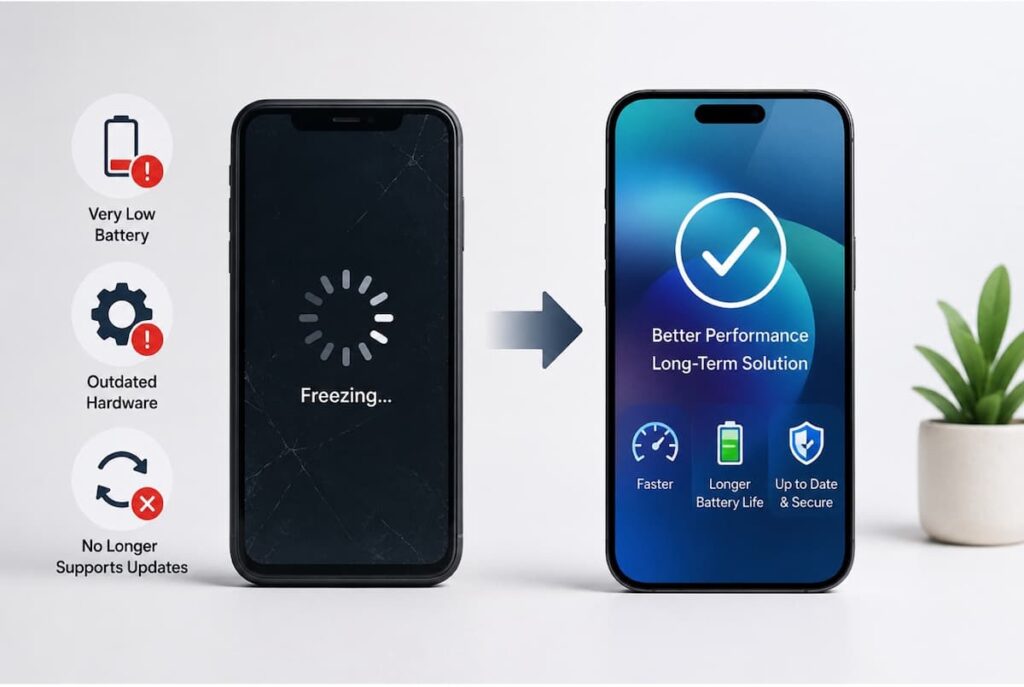
Sometimes a phone keeps freezing even after clearing storage, updating software, or resetting the device. In many cases, this happens because the hardware is too old to handle modern apps smoothly.
If the phone freezes during simple tasks, has poor battery life, or no longer receives updates, upgrading to a newer device may be the better option.
Conclusion
Smartphone freezing is a frustrating issue, but it is usually caused by everyday usage habits rather than serious damage. Low storage, excessive multitasking, overheating, outdated software, and weak batteries are among the most common reasons behind this problem.
By keeping the device updated, managing storage carefully, and avoiding unnecessary background activity, users can improve smartphone performance and reduce freezing problems. Proper maintenance not only makes a phone faster but also extends its overall lifespan.
Need help before buying, selling, or repairing a phone? Visit the Free Advice page and send me your question.
FAQs
Why does my phone freeze?
Phones usually freeze because of low storage, too many apps running, overheating, or outdated software.
Can low storage slow down a phone?
Yes, almost full storage can make the phone lag and freeze more often.
Does restarting help?
Yes, restarting clears temporary memory and helps the phone run smoother.
Can viruses freeze a smartphone?
Yes, harmful apps or malware can slow down the system and affect performance.
Should I keep my phone updated?
Yes, updates fix bugs, improve security, and help the phone perform better.
Does overheating cause freezing?
Yes, too much heat can slow down the processor and make apps unresponsive.
When should I replace my phone?
If your phone freezes all the time, has poor battery life, or cannot handle basic tasks, it may be time for a new one.
Can too many apps cause freezing?
Yes, running many heavy apps together puts pressure on the phone’s memory and processor.





My phone loses battery very quickly, I mean, it discharges very soon, the problem is that it’s new and I don’t know what to do, I already took it to the store and they changed it, but after 2 months it’s still the same